


Here’s a detailed, SEO-friendly blog post titled “How to Maintain and Clean Your CCTV Cameras for Optimal Performance” that you can use for your website, product content, or blog:
How to Maintain and Clean Your CCTV Cameras for Optimal Performance
Installing a CCTV system is just the first step in securing your property—keeping it clean and properly maintained ensures long-term reliability and image clarity. Dirt, moisture, and neglect can reduce camera performance, trigger false alerts, or even cause system failure. Here’s how to keep your CCTV cameras in top condition.
1. Why Maintenance Matters
Regular upkeep of your CCTV cameras:
- Prevents image distortion or obstruction
- Extends the lifespan of the equipment
- Ensures accurate motion detection and recording
- Minimizes false alarms caused by debris or insects
2. Cleaning Your CCTV Cameras: Step-by-Step
a. Power Off First
Always turn off the camera and disconnect the power supply before cleaning to avoid any electrical issues or system glitches.
b. Use the Right Tools
- Microfiber cloth (lint-free)
- Lens-safe cleaning solution or distilled water
- Soft brush or air blower for dust removal
- Cotton swabs for tight corners
c. Clean the Lens Carefully
Gently wipe the lens in circular motions with a damp microfiber cloth. Avoid applying pressure or using abrasive materials that can scratch the surface.
d. Wipe Down the Housing
Clean the outer casing and mounting brackets to remove dirt, cobwebs, and bird droppings, which may interfere with tilt or rotation functions.
3. Maintenance Tips for Indoor and Outdoor Cameras
For Indoor Cameras:
- Check for dust accumulation weekly.
- Ensure ventilation to prevent overheating.
- Verify camera angles after cleaning.
For Outdoor Cameras:
- Clean at least once every 1–2 months.
- Inspect weather seals and waterproof housing.
- Look for signs of corrosion or water intrusion.
4. System Check and Firmware Updates
- Test Night Vision: Confirm IR LEDs are functioning correctly.
- Inspect Cables: Look for wear, rust, or loose connections.
- Update Firmware: Regularly check for manufacturer software updates to improve performance and security patches.
5. Schedule Professional Inspections
While DIY cleaning works well for routine care, it’s wise to have a professional inspection annually to ensure everything—from power supply to camera calibration—is optimized.
Final Thoughts
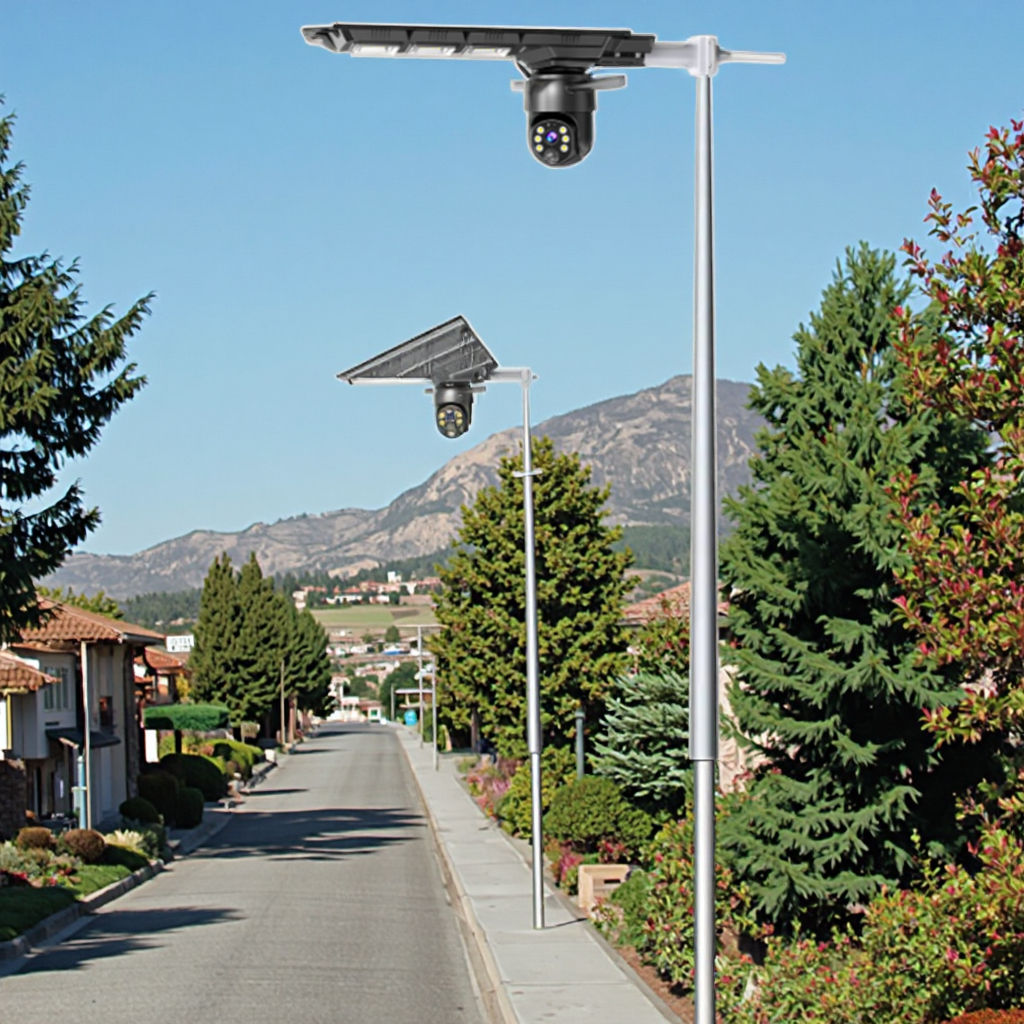
Maintaining and cleaning your CCTV cameras doesn’t take much time but makes a huge difference in performance and reliability. Whether you’re using indoor IP cameras or outdoor PTZ models, regular upkeep ensures clear footage and dependable security when you need it most.
Would you like a shorter version for social media or an SEO-optimized meta description and keywords list?